Update BE to the newest version
1125 views
•
Updated 3 hours ago
Important steps: Backup your all files & Database and: In the Update case, there are 2 things in your hosting need to be careful:
* .env is DB information file
* Database: in the new version, there are many things that are changed, If the update process is successful, all the old data will be preserved, but in case of unwanted events, you need to backup your DB as well
Note: Remember to backup files on your hosting.
1. Upload file becommerce.zip to hosting - becommerce.zip ~ 98MB
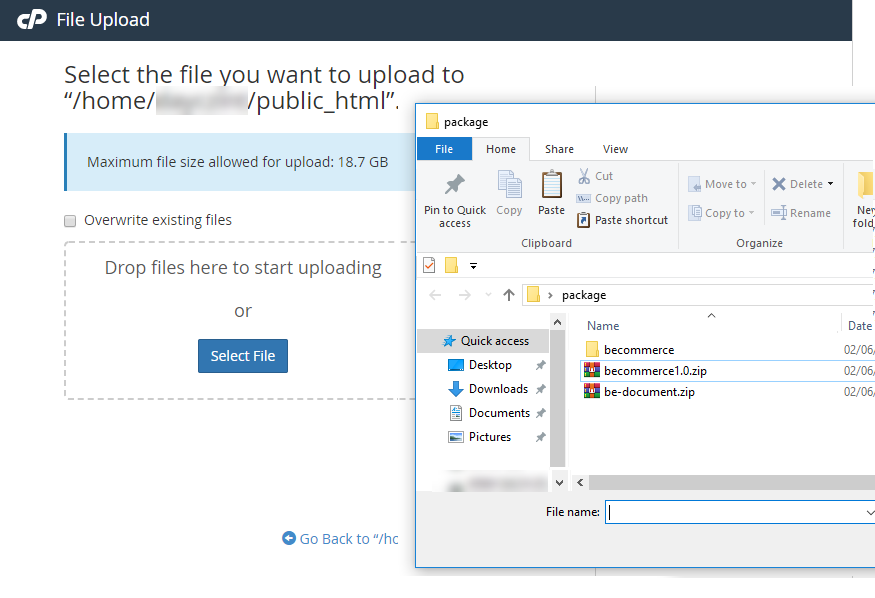
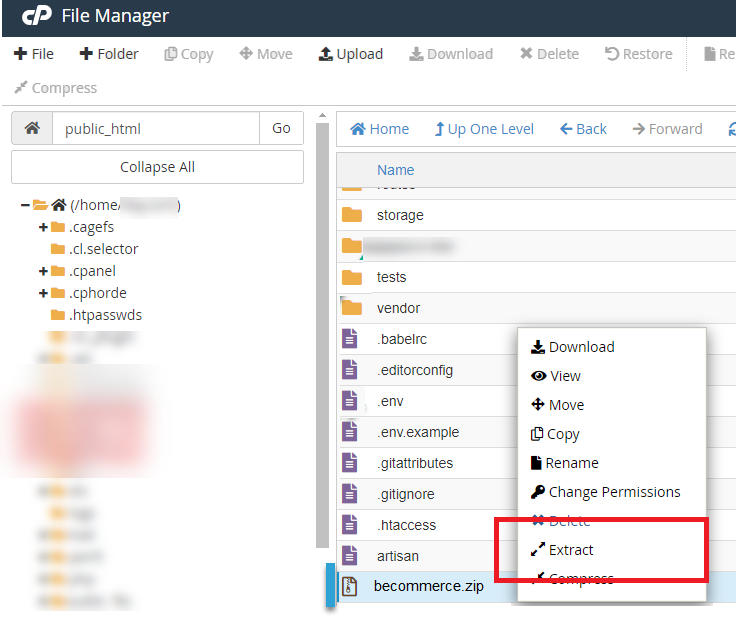
2. Unzip new becommerce zip file
Video guide here: https://www.youtube.com/watch?v=Qr54XQ-0Oo4
Ok Done, Go to your Dashboard to see the new version.
Was this article helpful?