List Featured Item
5233 views
•
Updated 6 minutes ago
Dashboard > Templates > Build Template
List Featured Item
This element will help you show the best of what you can do for your customers
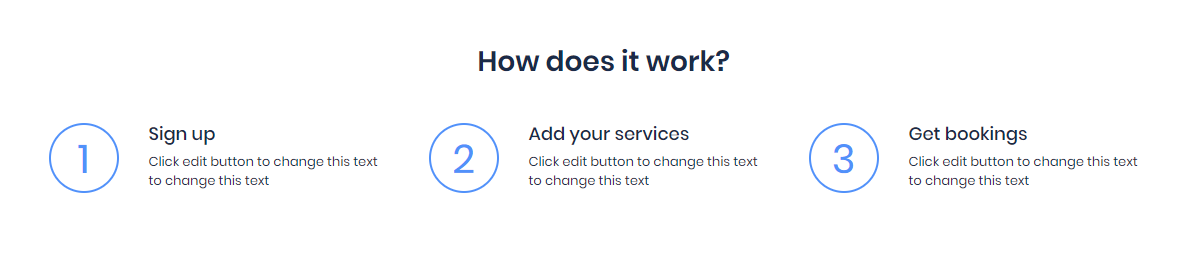
Style 1  Style 2
  Style 3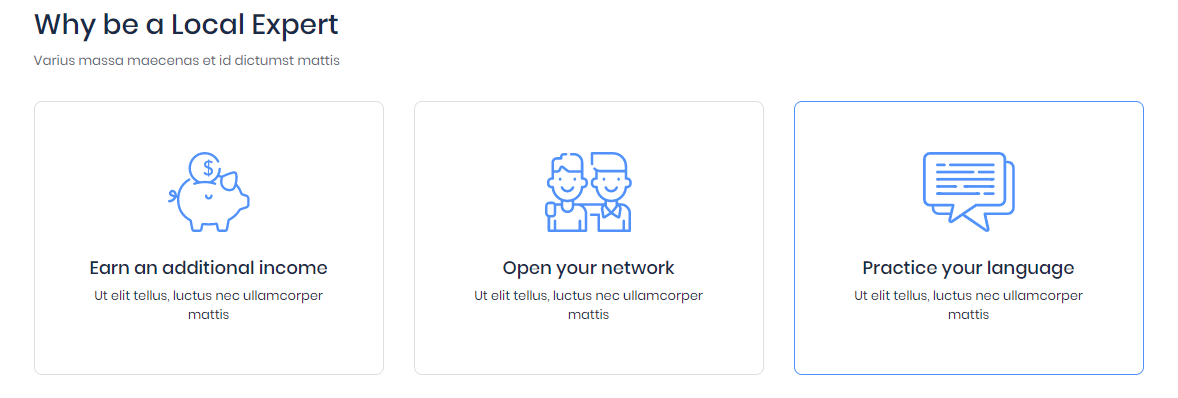
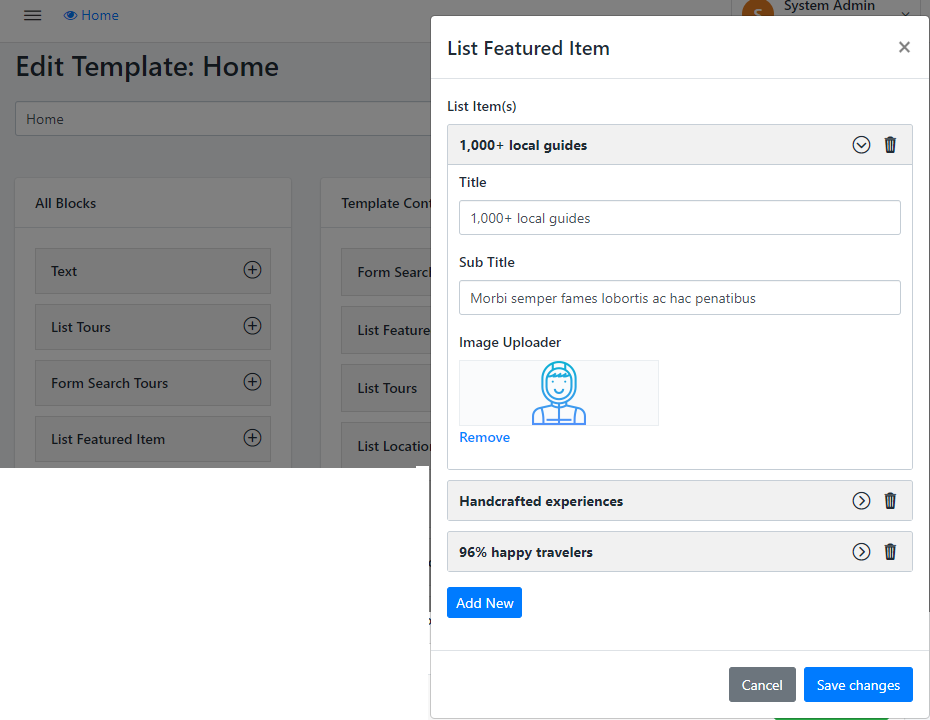
- Step 1: Press to ADD NEW button to open New form content
- Step 2: Enter Title, Sub Title and Upload Image
- Step 3: After enter Full information, Remember to Press to SAVE CHANGES
- Step 4: You also Remove the item that you don't need to show on section
- Remember: there are 3 items per row.
Was this article helpful?