Vendor Register form
8077 views
•
Updated 3 hours ago
Dashboard > Templates > Build Template
Vendor Register form
This is the way it shows in Register page:
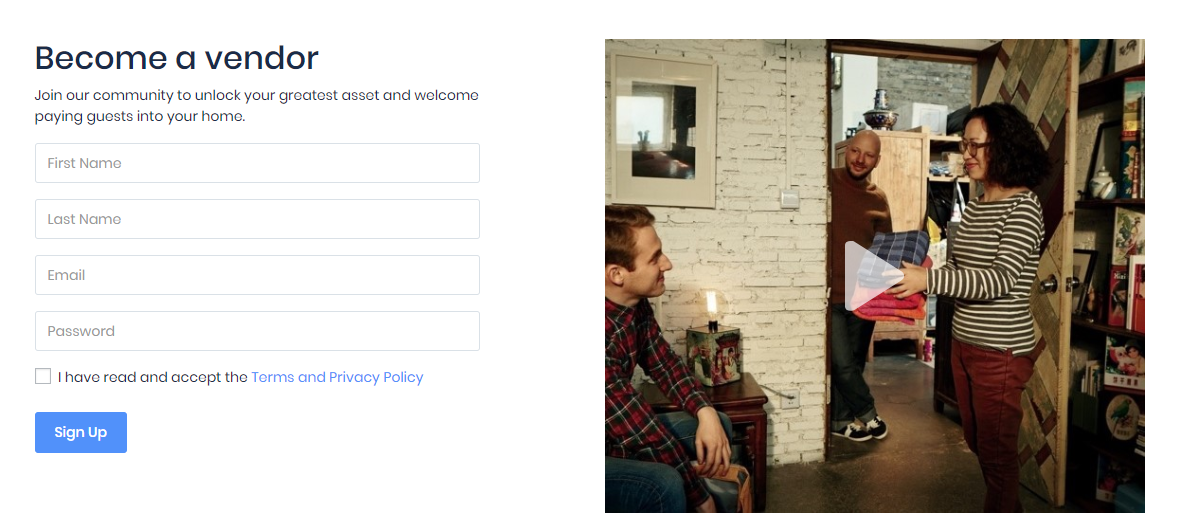
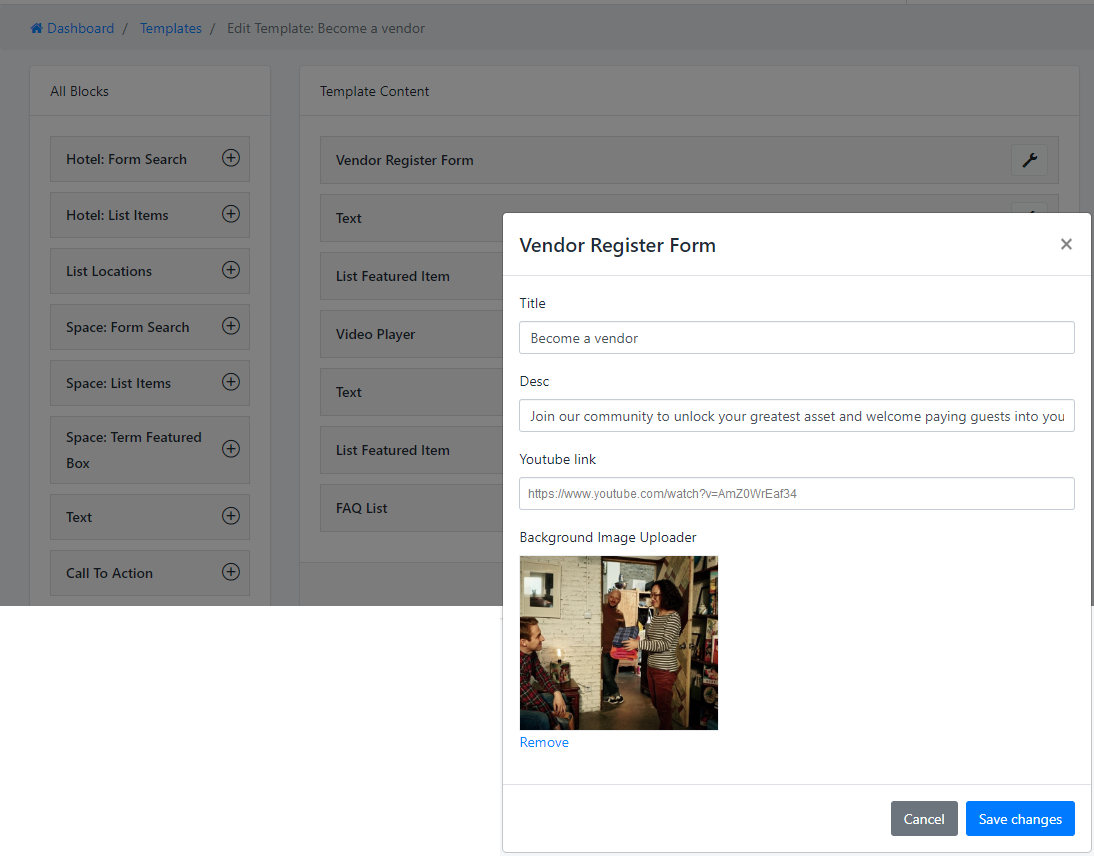
Same as the other block, find the element Vendor Register form then input informations: Title, Description, youtube link and Featured image for youtube link.
But you need to input the link youtube video to show image background, because image is set as the Featured image of video.
Was this article helpful?