List Tour
5778 views
•
Updated 1 hour ago
Dashboard > Templates > Build Template
List Tour
This element gives you many options for a custom layout. There are 2 styles to show list Tour: Slider and Row section
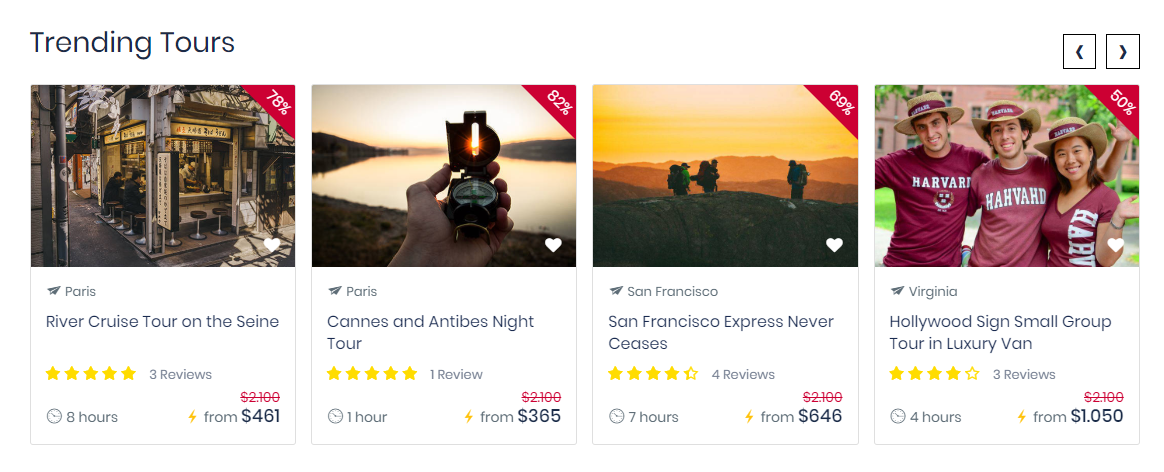
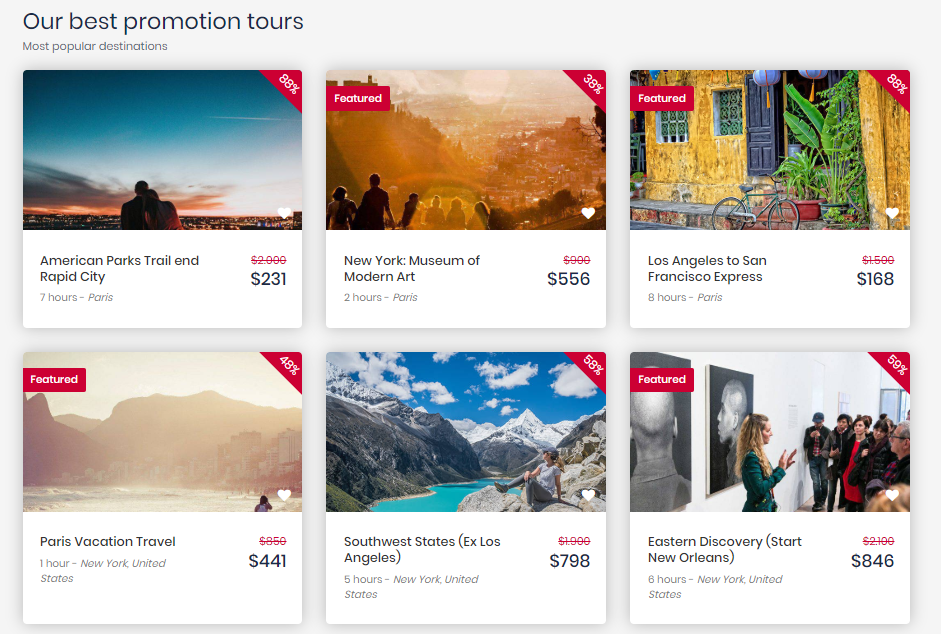
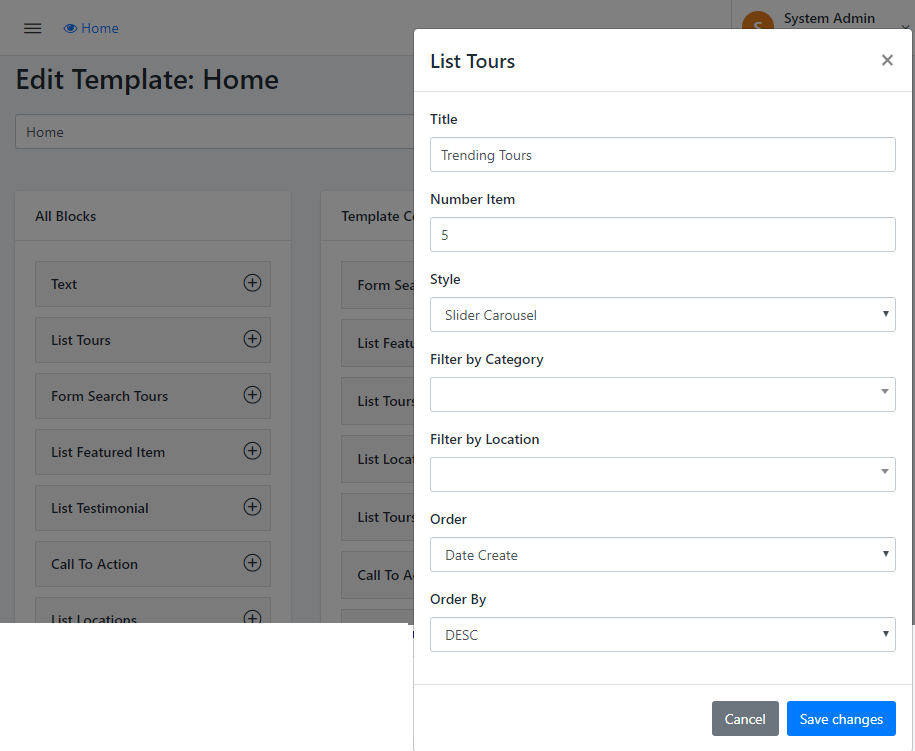
- Step 1: Enter Some Information like Title(the title of Section) and number item you want to show on Section
- Step 2: Select Style for Tour section
- Step 3: Filter by Category or Filter by Location, depends on your design. Leave blank if you don't want to filter them
- Step 4: Select Order list (Optional)
Was this article helpful?